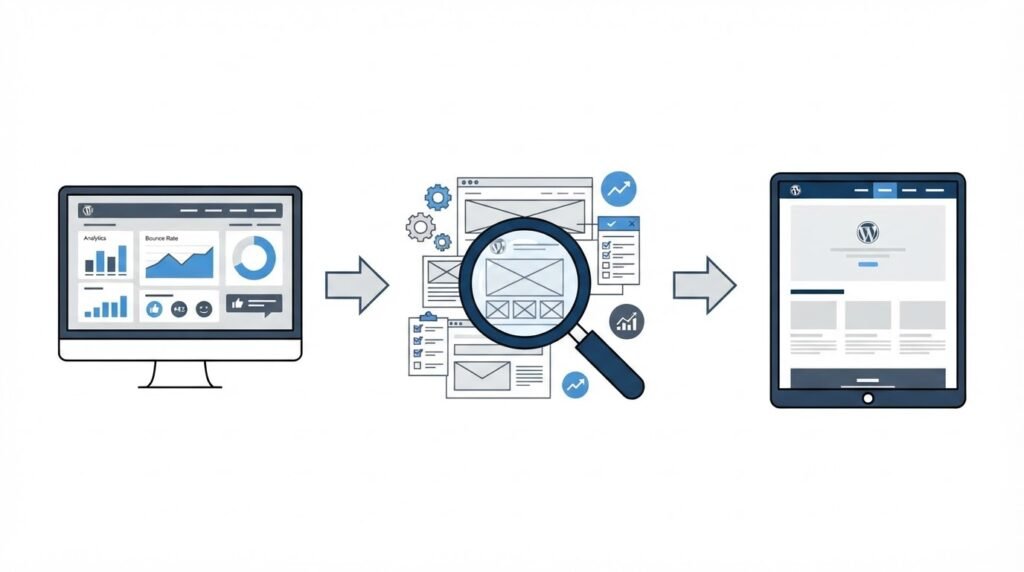
A rebuild can erase high-value pages, break lead tracking, and send organic traffic to dead URLs when the team starts with visual mockups alone. The safest WordPress redesign begins with an inventory of what the current site already does for the business.
Linzila plans redesign work around performance, search visibility, and maintainable WordPress builds, so every design decision has a clear operational purpose.
Quick answer: how to plan WordPress website redesign services
Use this workflow before approving a redesign scope:
- Export every current URL, page title, traffic source, conversion, and owner.
- Define each page’s job, primary audience, required action, and success measure.
- Review user journeys, navigation, mobile layouts, accessibility, languages, and checkout flows.
- Map old URLs to final destination URLs and preserve valuable page-level SEO signals.
- Audit WordPress, plugins, themes, integrations, hosting, security, and performance bottlenecks.
- Rebuild analytics, consent, events, forms, and ecommerce measurement in staging.
- Test redirects, transactions, speed, crawlability, and rollback procedures before launch.
Start your WordPress website redesign with a content inventory
Export the last 90 days of analytics first, then combine that file with a crawl of the live domain and a WordPress page export. Create one working sheet with every indexable URL, post, attachment page, product, category, tag archive, language version, and campaign landing page.
For each URL, record its page purpose, organic visits, conversions, backlinks, owner, planned destination, and action: keep, consolidate, rewrite, redirect, or retire. A page with low traffic can still deserve preservation when sales teams use it in proposals or when it ranks for a commercially useful term.
A hypothetical B2B manufacturer, Alder Process Systems, provides a useful example. Its site has /services/pump-repair/, /pump-repair-services/, and a PDF brochure that each describe the same offering. The redesign team initially planned one new service page. The inventory revealed that /pump-repair-services/ received qualified organic visits and had external links. The final plan kept that URL as the primary destination, merged the strongest details from the other page and brochure, then redirected the duplicate URLs after launch.
Treat the inventory as a decision record, not an archive. It prevents late debates about why a page disappeared.
Give every retained page one clear job
A page can educate, qualify a lead, generate an enquiry, support a customer, or complete a sale. Write one primary action beside each retained page. Examples include requesting a consultation, downloading a specification, booking a demo, or adding a product to a cart.
Pages serving several audiences often create vague copy and weak calls to action. Split them when each audience needs different proof, terminology, or next steps.
For a broader view of when a company site needs a stronger strategic role, see Website for Your Company: Should You Get One?.
Review UX before approving the WordPress redesign
A redesign should shorten the path from a visitor’s first question to a useful action. Review real journeys across mobile and desktop rather than judging pages in isolation.
Start with five common tasks. For Alder Process Systems, these included finding a repair service, comparing capabilities, locating a regional contact, downloading a technical document, and submitting an urgent enquiry. Walk each journey from a search result, a direct link, and the main navigation. Record where a user has to guess what happens next.
Pay particular attention to these areas:
- Main navigation labels, including whether customers use the same vocabulary as the business.
- Mobile menus, tap targets, sticky headers, and form fields.
- Page templates for services, resources, case studies, products, and contact pages.
- Accessibility for keyboard users, focus order, contrast, alt text, form errors, and headings.
- Language selection, regional contact details, and translated URL structure for multilingual sites.
- Cart, checkout, account, tax, delivery, and payment paths for WooCommerce stores.
Use the W3C Web Content Accessibility Guidelines as the baseline for accessibility requirements. Build those requirements into designs and acceptance tests. Retrofits cost time and often produce inconsistent results.
For ecommerce redesigns, test the full purchase journey with a real staging order. Product variations, shipping rules, payment callbacks, inventory updates, transactional emails, and ERP or CRM handoffs all need a named test case.
Protect SEO during a WordPress website redesign
Search performance relies on more than page copy. URLs, redirects, headings, internal links, canonicals, structured data, indexability, and page speed all influence how search engines interpret a rebuilt site.
Create a redirect map before development starts. Each old indexable URL needs one intended destination. Aim for a direct 301 redirect to the closest relevant live page. Avoid redirect chains, homepage redirects for specific old pages, and generic fallback pages.
Alder’s duplicate repair URLs created an important edge case. The team redirected /services/pump-repair/ to /pump-repair-services/, while the PDF brochure URL redirected to the new /pump-repair-services/ page only after its key specifications were incorporated into HTML content. That preserved a useful destination for search visitors and referral links.
Keep the following SEO assets under version control or in the migration sheet:
- Title tags, meta descriptions, H1s, and primary copy for pages that earn search traffic.
- Canonical tags, robots directives, XML sitemaps, and pagination rules.
- Internal links from high-authority pages to priority commercial pages.
- Schema markup for organizations, products, articles, FAQs, breadcrumbs, and local business information where relevant.
- Image filenames, alt text, compression, and replacement assets.
- Language annotations and reciprocal page relationships for translated content.
Google’s site move documentation explains why URL mapping and redirect testing require careful handling. Crawl the staging site with access controls in place, then crawl the launch candidate again after redirects are configured.
SEO now also includes whether an answer can be extracted clearly by search systems and AI-driven results. Use concise headings, complete explanations, source-backed claims, and descriptive internal linking. Linzila’s guide to AI search visibility explains the editorial implications in more depth.
Audit WordPress technical debt and integrations
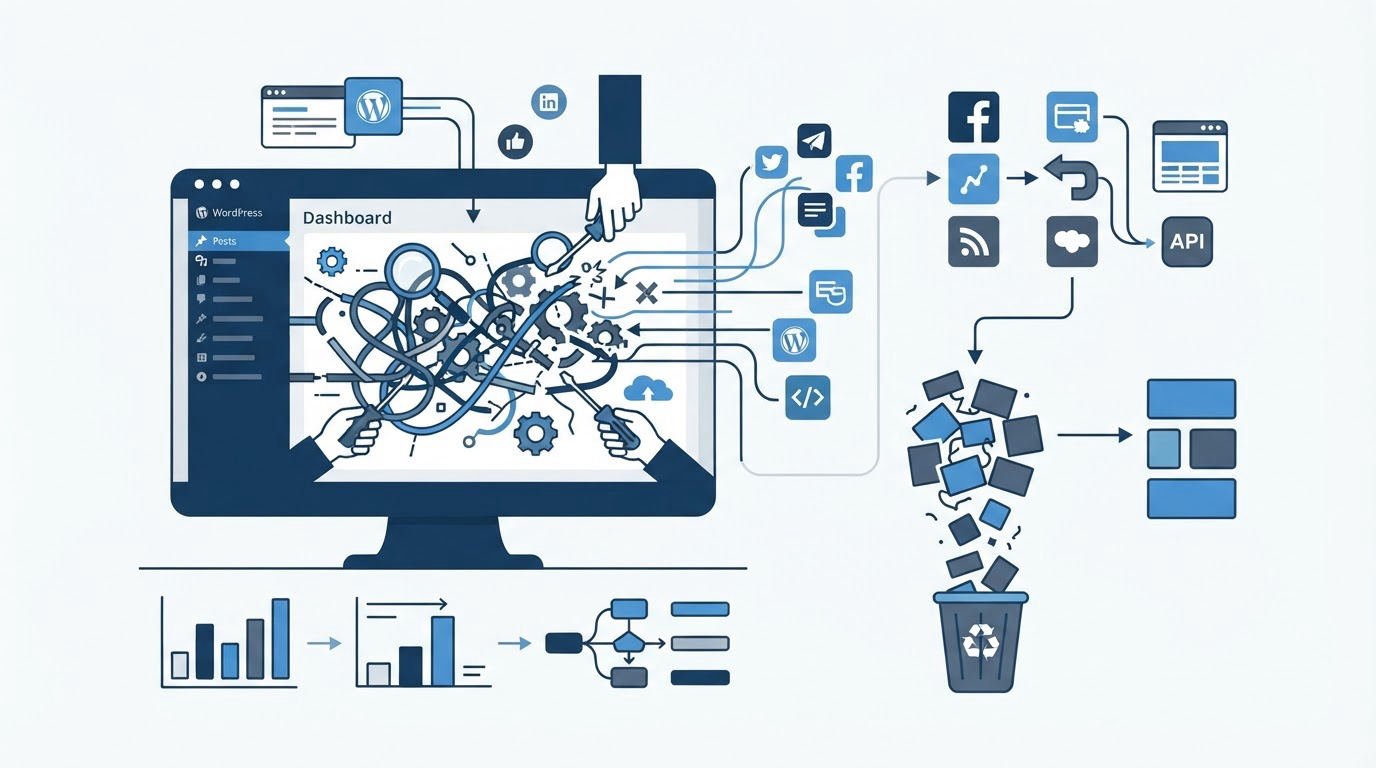
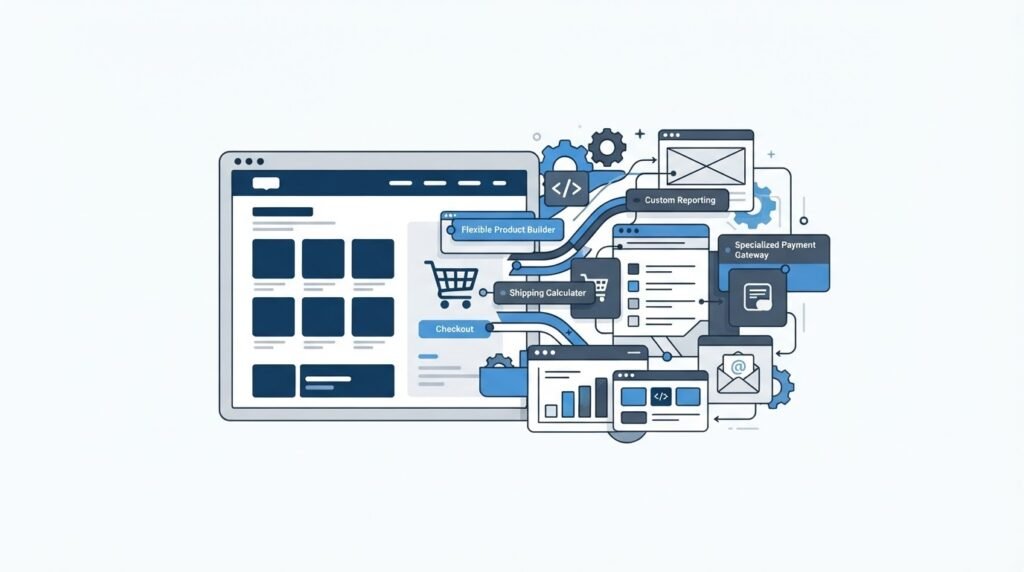
A redesign is a good time to decide which parts of the current build deserve replacement. Start with the active theme, child theme, custom plugins, page builder dependencies, WordPress and PHP versions, scheduled tasks, user roles, backups, and hosting configuration.
Document every third-party connection. This includes CRM forms, marketing automation, analytics, cookie consent, search, maps, payment gateways, shipping providers, ERP systems, booking tools, membership tools, and translation services. Ask the owner of each integration to confirm what data enters and leaves WordPress.
| Review area | What to inspect | Decision before development |
|---|---|---|
| Theme and templates | Custom code, page-builder lock-in, template coverage, responsive behavior | Reuse, refactor, or replace the theme architecture |
| Plugins | Purpose, update history, overlap, security exposure, licensing | Keep only plugins with a clear maintenance owner |
| Performance | Image weight, caching, scripts, database queries, hosting limits | Set page-speed budgets and performance acceptance criteria |
| Forms and CRM | Field mapping, spam protection, confirmations, routing, consent | Test every form with a real contact record in staging |
| WooCommerce | Products, variations, tax, shipping, payments, subscriptions, emails | Run test orders through each required purchase path |
| Multilingual setup | URL format, translated templates, hreflang, media, regional content | Define the publishing workflow for every language |
Technical debt has trade-offs. Reusing an old template can reduce initial build work while carrying slow scripts and fragile editing patterns into the new site. A clean custom build takes more planning and gives the business clearer control over templates, fields, and future changes.
Read High Performance Web Design With Linzila for the performance factors worth setting as requirements before development.
Rebuild analytics and conversion tracking before launch
A new interface changes clicks, form IDs, confirmation pages, and ecommerce events. Analytics must be designed alongside templates and user journeys.
Write a measurement plan that lists each business action, the event name, its trigger, required parameters, and the person who validates it. For Alder, the priority actions were a completed contact form, a phone-number click on mobile, a technical-download form completion, and a successful quote-request submission.
Use a staging analytics property or clearly labelled test events. Test form submissions end to end, including email delivery and CRM records. A thank-you page alone can fail when a form submits through JavaScript or when a user refreshes the browser.
Follow Google’s recommended events guidance for Google Analytics when naming and validating tracked actions. Keep a written event register so future site updates preserve the reporting logic.
How Linzila handles WordPress website redesign services
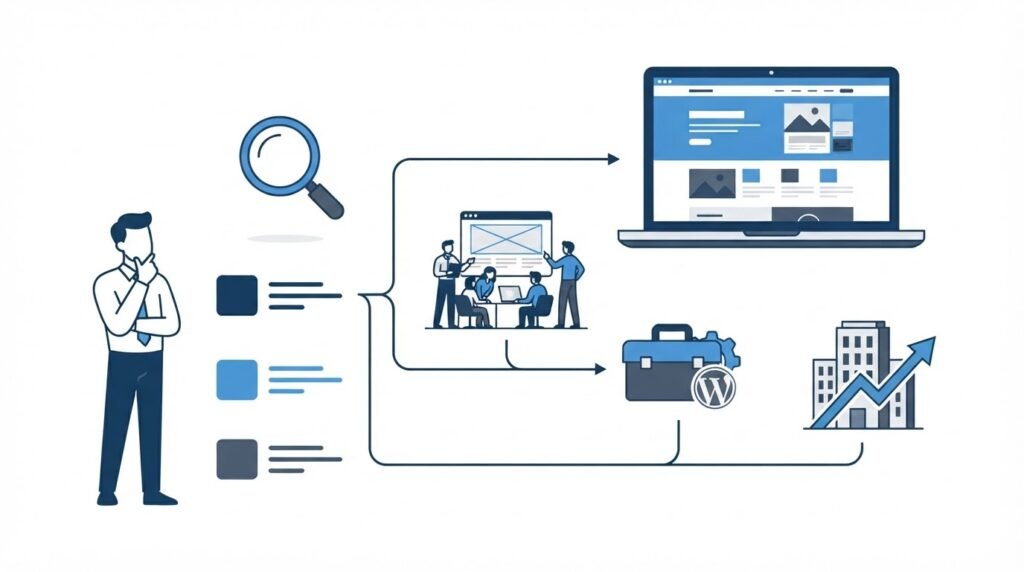
A structured WordPress redesign engagement removes the gaps between discovery, design, development, and launch. At Linzila, the process should begin with the current-site audit and the page-level decision sheet, rather than a blank visual concept.
First, the project team reviews business goals, priority audiences, content inventory, and technical dependencies. That stage establishes which pages, templates, languages, integrations, and WooCommerce functions belong in scope.
Next, the UX and content structure turn those decisions into page hierarchies, navigation, conversion paths, and reusable templates. Development then builds the agreed WordPress functionality with performance, responsive behavior, and editing workflows considered from the start.
Before launch, the team validates the redirect map, search settings, tracking plan, forms, integrations, and critical user journeys in staging. The release plan defines who launches the site, who checks each system afterward, and how the prior version can be restored if a serious issue appears.
If you are selecting a delivery partner, choose a WordPress development agency by asking for this level of planning detail. A useful proposal identifies the audit, migration, testing, and ownership work alongside page design and build tasks.
Create a WordPress redesign launch plan
Set a launch window when marketing campaigns, paid media changes, product releases, and major email sends can pause. Assign one accountable person for each check. A shared chat channel and a timestamped launch log make handovers easier to manage.
Complete these checks in the final 24 hours:
- Confirm the production backup, rollback method, DNS access, hosting access, and administrator access.
- Check that staging is blocked from indexing and that production settings will allow intended pages to be crawled.
- Validate every redirect, canonical tag, sitemap entry, contact form, checkout path, and cookie-consent behavior.
- Test the site on current mobile browsers, desktop browsers, and key screen sizes.
- Verify analytics events, CRM routing, transactional emails, error logging, and uptime monitoring.
- Submit the sitemap and monitor indexing, crawl errors, conversions, and server errors after release.
Keep the old URL crawl, redirect map, analytics baseline, and launch log together. They provide the evidence needed to resolve traffic changes or lead-routing issues in the weeks after release.
FAQ about WordPress website redesign services
How long should a WordPress website redesign take?
The schedule depends on page count, content readiness, custom functionality, integrations, languages, and ecommerce complexity. Set milestones around completed decisions: audit sign-off, content approval, template approval, staging validation, and launch readiness. Content migration and integration testing often control the final date.
Can I keep my SEO rankings during a WordPress redesign?
A careful migration protects the strongest ranking signals through page retention, relevant copy, direct redirects, internal-link updates, correct technical settings, and post-launch monitoring. Rankings can move while search engines recrawl the new site, so monitor priority pages and resolve errors quickly.
Should I redesign a WooCommerce store and WordPress marketing site together?
A combined project can create a consistent customer journey and shared design system. It also expands test requirements because checkout, product data, payment, shipping, tax, account, and transactional-email flows need validation. Separate the work into clear release criteria when the store carries significant daily revenue.
What should I send a WordPress redesign agency before the first meeting?
Send analytics access or exports, Search Console access, a current URL list, top conversion paths, brand assets, customer research, integration details, known technical issues, and examples of sites you like. Include a list of people who can approve content, design, security, legal, and tracking decisions.
When should I ask for WordPress development support after launch?
Arrange ongoing support when the site needs regular content releases, plugin and core updates, security oversight, performance checks, ecommerce changes, or new integrations. Set response expectations, access rules, backup ownership, and a documented method for requesting changes.
A redesign deserves a scope built from evidence: retained content, customer journeys, SEO mapping, technical requirements, accurate measurement, and release controls. For a project review tailored to your WordPress site, contact Linzila.